Connect Your Entire Ecosystem. Transform How You Work.

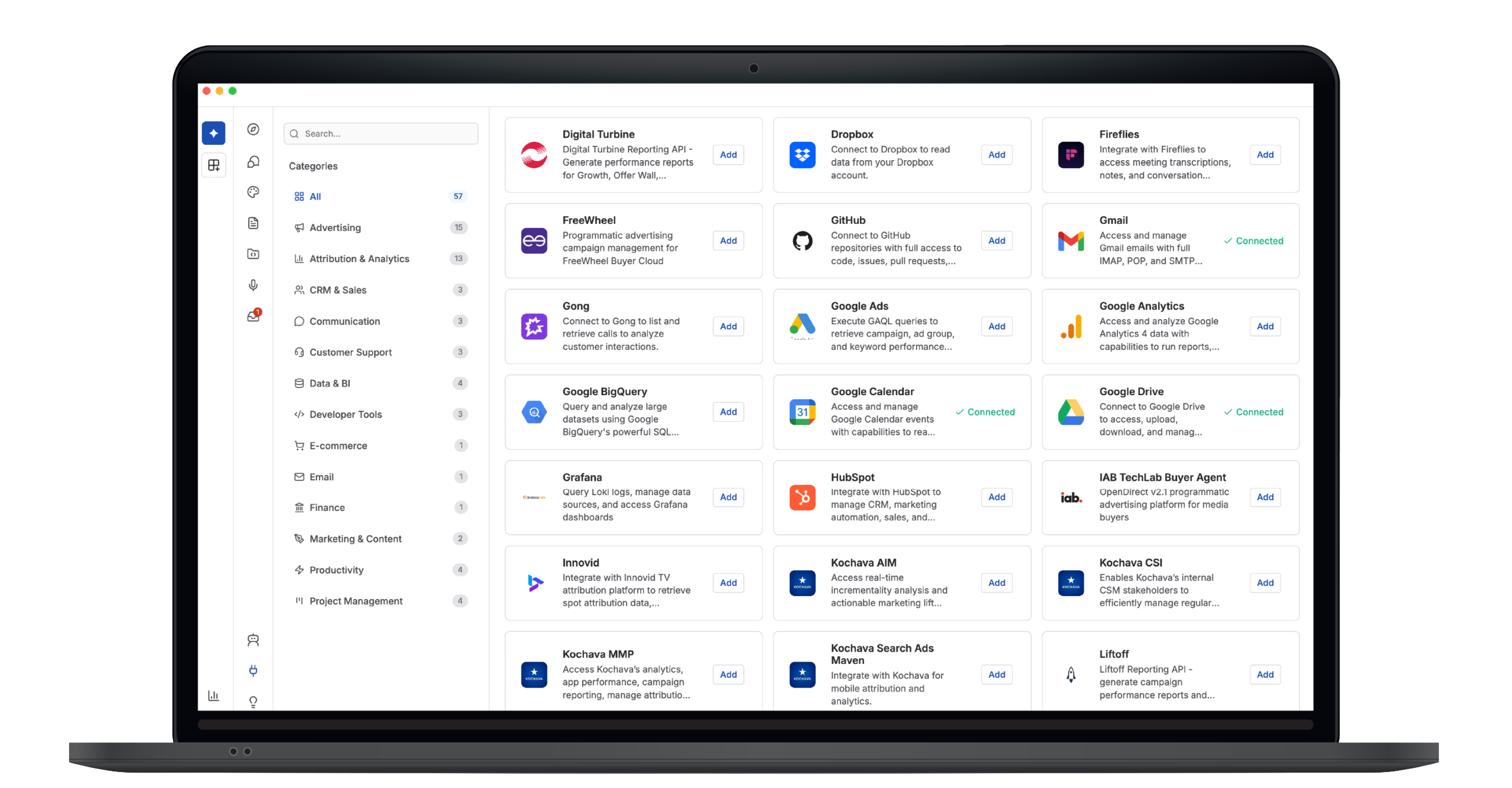
StationOne Agents and Workspaces become truly revolutionary when connected to the tools you already use.

Explore MCP ConnectorsDownload StationOne
StationOne icon

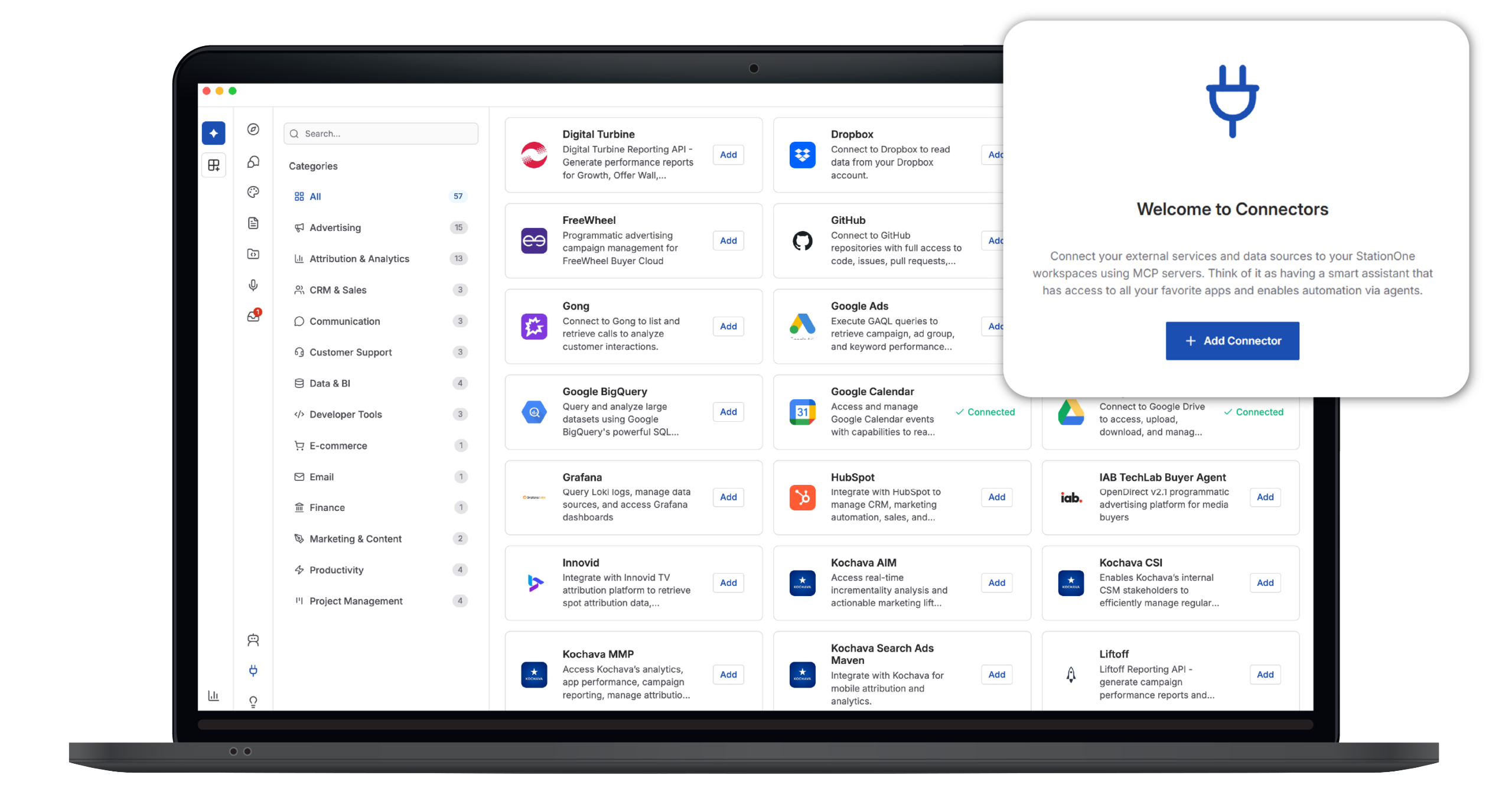
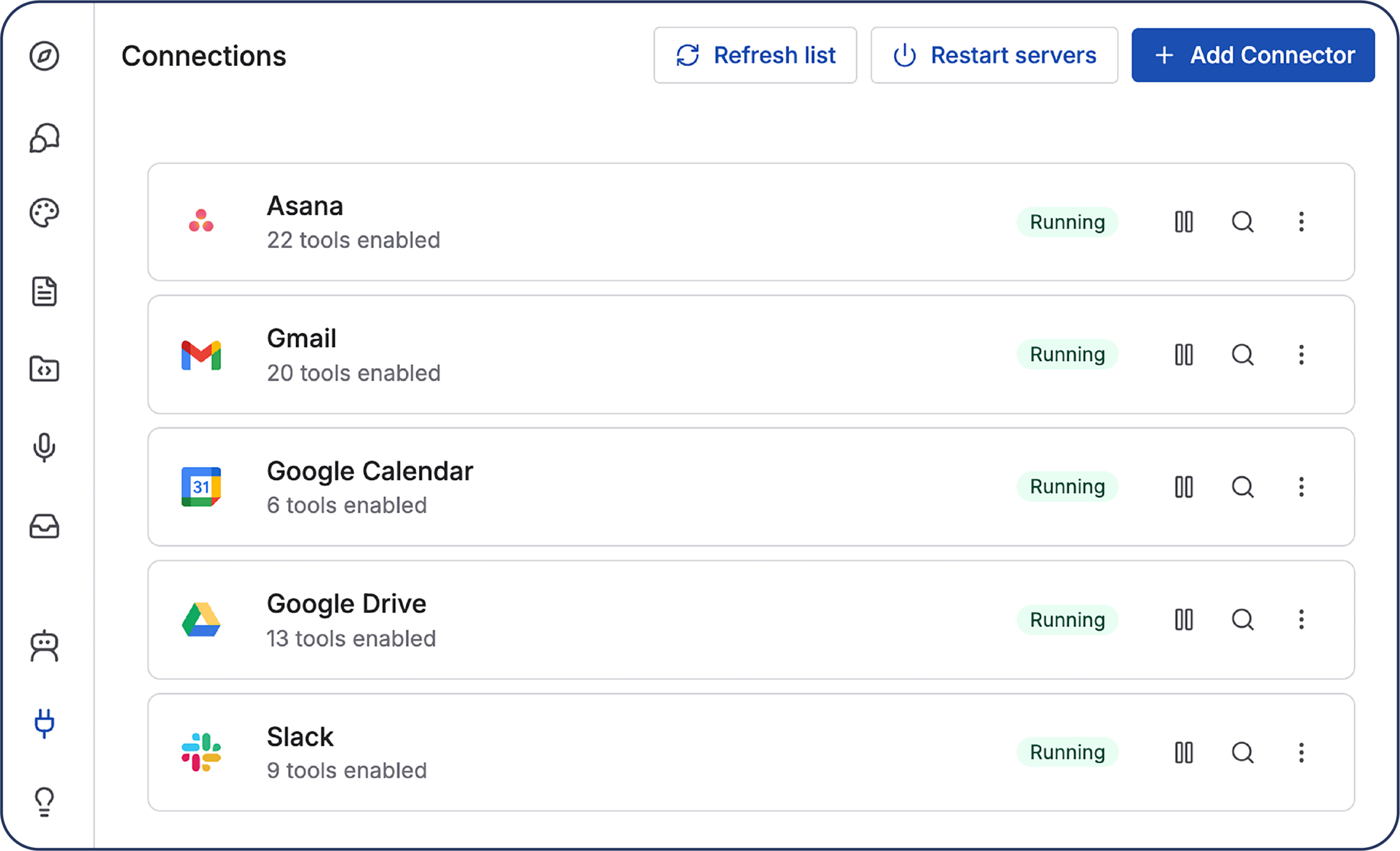
StationOne Connectors—powered by Model Context Protocol (MCP)—turn every integration into an automation opportunity.

It’s not just AI. It’s AI that knows your world.

What Users Are Saying

“Salesforce is my favorite connector. I used to spend too much time poking around the Salesforce dash trying to find what I needed. Now when I need to check an opportunity status, verify account ownership, or pull deal context, I just ask StationOne and have the answer instantly. It’s completely transformed how I work with our CRM.”

General Manager, Adtech Consulting

“I now have connectors enabled across all DSPs and adtech partners where I do my media buying and activation, which helps me quickly understand pacing and delivery of campaigns without having to jump from dashboard to dashboard. It literally saves me 10+ hours every week—time I can now spend optimizing campaigns instead of hunting for data.”

Media Buyer, Atlas Performance

“Data analysis is something I love, but synthesizing the data into executive summaries has always been a real challenge. Now I have connectors enabled across all of my key tools. I can summarize data for executive reports and presentations in a matter of minutes instead of spending hours combing through analyses, reports, and spreadsheets. It’s a game-changer for client presentations.”

VP of Client Analytics, Adtech Firm

Real-World Use Cases: How Connectors Automate Your Work

Challenge

Sales reps spend 5+ hours per week updating CRMs, chasing account info, and keeping the team aligned on opportunities.

MCP Connector Flow

  1. Email connector (Gmail) reads incoming prospect replies.
  2. CRM connector (Salesforce) checks account status and opportunity pipeline.
  3. Messaging connector (Slack) posts deal updates to #deals channel.
  4. Calendar connector (Google Calendar) blocks time for follow-ups.
  5. Document connector (Google Drive) pulls relevant proposals and case studies.

Result

5 hours/week saved per rep

Zero lost opportunities from dropped follow-ups

Entire team aligned without morning stand-ups

Challenge

Content teams juggle briefs in Notion, drafts in Docs, research in Drive, timelines in Asana, and publishing across five platforms. Chaos ensues.

MCP Connector Flow

  1. Knowledge base connector (Notion) reads content briefs and editorial calendar.
  2. Cloud storage connector (Google Drive) gathers research materials, images, past content.
  3. Messaging connector (Slack) coordinates with writers, editors, designers.
  4. Project connector (Asana) tracks deadlines and approval workflows.
  5. Automation connector (Zapier) publishes to Medium, LinkedIn, website CMS.

Result

Production time decreases from 12 hours → 2 hours per piece

Consistent quality across all content

Zero manual publishing or platform formatting

Challenge

Finance teams spend days each month pulling data from Stripe, HubSpot, Sheets, and ERP systems to create board reports.

MCP Connector Flow

  1. Payment connector (Stripe) pulls revenue, refunds, MRR, churn.
  2. CRM connector (HubSpot) tracks customer acquisition costs, LTV, pipeline.
  3. Spreadsheet connector (Google Sheets) creates live dashboards with formulas.
  4. Messaging connector (Slack) alerts on anomalies (e.g., 20% revenue drop).
  5. Email connector (Gmail) distributes formatted reports to stakeholders.

Result

Days of manual work → 5-minute automated generation

Always-current dashboards without version control nightmares

Proactive alerts so leadership never misses critical trends

Challenge

Support tickets pile up. Urgent issues get lost. Reps waste time on repetitive questions instead of complex problems.

MCP Connector Flow

  1. Email connector (Gmail) reads incoming support requests.
  2. Ticketing connector (Zendesk) checks ticket history and status.
  3. Messaging connector (Slack) posts urgent issues to #support-escalation.
  4. CRM connector (Salesforce) pulls customer context (plan, ARR, health score).
  5. Code repository connector (GitHub) links to relevant issues, PRs, documentation.

Result

40% of tickets auto-resolved without human touch

90% faster triage for complex issues

Support team focuses on high-value conversations, not repetitive answers

Challenge

Enterprises need audit trails for every action, approval, and data access. Manual documentation is slow, error-prone, and incomplete.

MCP Connector Flow

  1. Workspace connector (Google Workspace) monitors file access and sharing.
  2. Messaging connector (Slack) tracks approvals and decisions in channels.
  3. Knowledge connector (Notion) stores policies, procedures, compliance docs.
  4. Code connector (GitHub) logs code changes, PR approvals, deployments.
  5. Email connector (Gmail) archives critical business communications.
  6. Monitoring connector (Datadog) tracks system security events.

Result

Zero missed audit requirements or compliance gaps

Automated evidence collection for SOC 2, GDPR, HIPAA audits

20 hours/month saved on manual documentation

Challenge

Marketing data is scattered across Google Ads, Facebook, LinkedIn, HubSpot, GA4, and Sheets. Reporting is a manual nightmare.

MCP Connector Flow

  1. Ads connectors (Google Ads, TikTok Ads, LinkedIn Ads, Snap Ads) pull campaign metrics.
  2. Analytics connector (Google BigQuery/GA4) tracks website behavior and conversions.
  3. CRM connector (HubSpot) attributes leads and revenue to campaigns.
  4. Spreadsheet connector (Google Sheets) consolidates multichannel data.
  5. Messaging connector (Slack) shares insights with #marketing team.

Result

Multichannel reporting: 8 hours → 10 minutes

Real-time performance visibility across all channels

Data-driven budget optimization without guesswork
Connectors Powered by Model Context Protocol (MCP)

Context Sharing
AI knows what each tool can do, what data it holds, and how to use it—without custom coding for every integration.

Smart Capability Detection
When you add a connector, AI automatically discovers all available functions. No manual configuration.

Real-Time Data Access
AI pulls live data from your tools during conversations, not outdated snapshots.

Stateful Conversations
AI remembers context across multiple tool interactions. It can read Salesforce, check your calendar, draft an email, and send it—all in one conversation.

Connector Marketplace: Integrations for Every Workflow

Curated Connectors with One-Click Authentication

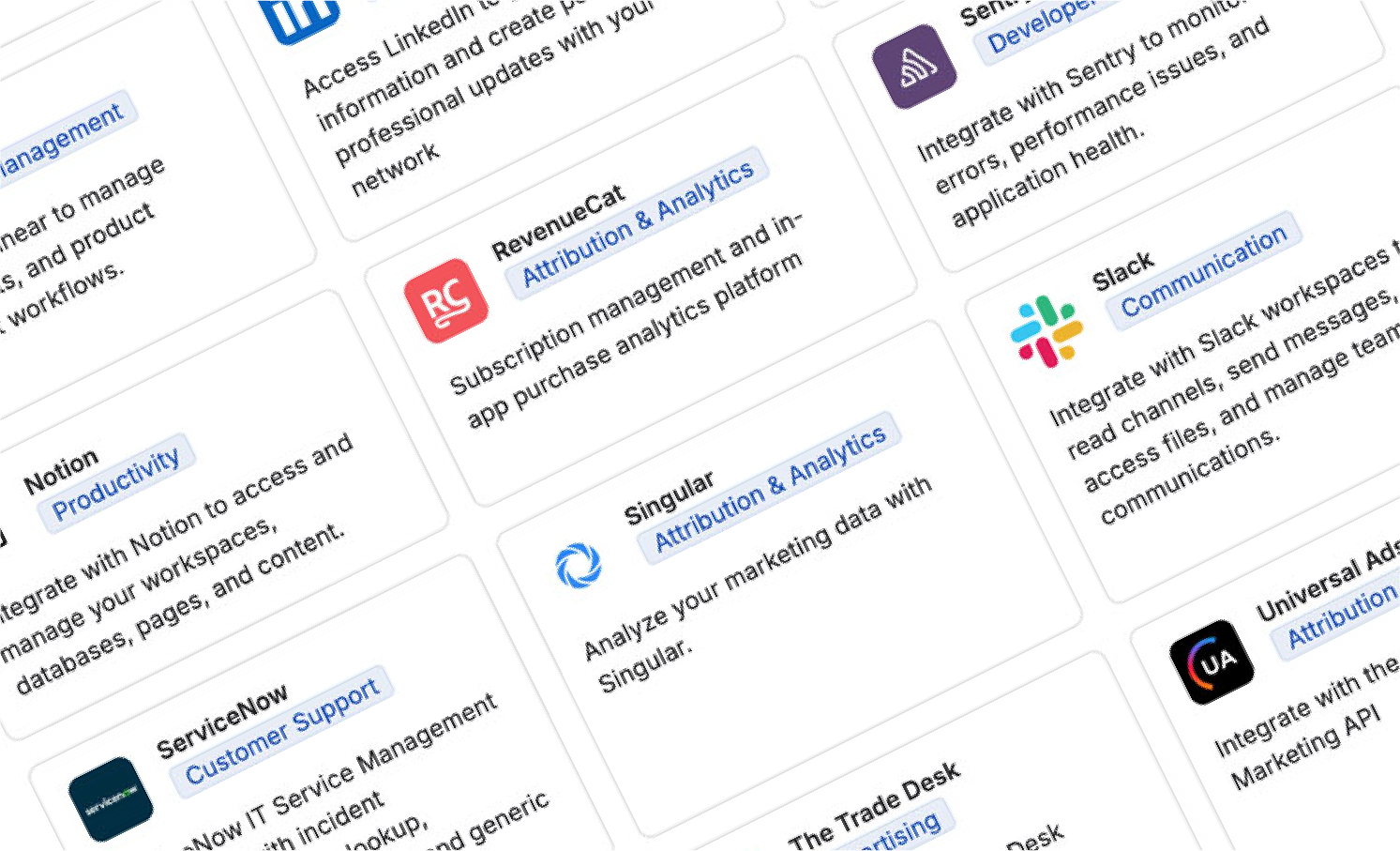
StationOne offers a marketplace of prebuilt connectors with seamless OAuth authentication. No setup nightmares. No API keys to manage. Just click Add, then authenticate, and you’re connected.
StationOne icon

How Connectors Work:
Four Patterns

Read Connectors: AI Understands Your World

AI reads data from tools to understand context and make informed decisions.

Examples

  • Gmail reads incoming emails to understand customer sentiment.
  • Salesforce reads deal status to prioritize outreach.
  • Google Sheets reads dashboard data to generate insights.
  • GitHub reads code repositories to answer technical questions.

Use Case: Check our Q2 sales performance in Salesforce before writing the board deck.

Write Connectors: AI Takes Action

AI writes data to tools to create artifacts, update records, and trigger workflows.

Examples

  • Gmail sends personalized follow-up emails.
  • Slack posts alerts and updates to channels.
  • Asana creates tasks and assigns them to team members.
  • Google Docs generates reports and saves them to Drive.

Use Case: Draft the campaign brief, save it to Google Docs, and assign the Asana task to Sarah.

Trigger Connectors: Events Start Workflows

External events in connected tools trigger AI workflows automatically.

Examples

  • Email arrives → agent processes support request
  • Slack message tagged → agent analyzes and responds
  • Form submission → agent creates lead and notifies sales
  • GitHub issue labeled “bug” → agent creates Jira ticket

Use Case: When a customer support ticket arrives, automatically triage, check Zendesk for solutions, and respond.

Two-Way Connectors: Bidirectional Intelligence

AI both reads and writes, creating seamless bidirectional workflows.

Examples

  • Asana: Read task status, update progress, add comments
  • Salesforce: Check deal stage, update fields, log activities
  • Notion: Pull knowledge base content, update wiki entries
  • Jira: Read sprint progress, move issues, post updates

Use Case: Read current project status in Asana, identify blockers, update task notes, and post summary to Slack.

Building Blocks Framework: Think Modular

Each connector is a building block in your AI-powered workflow.

Foundation Blocks 
Communication, Workspace, Core Tools
Gmail, Slack, Google Drive, Calendar
Start here—these are the essentials for any AI workflow.

Power Blocks
CRM, Project Management, Analytics
When you add a connector, AI automatically discovers all available functions. No manual configuration.

Enterprise Blocks
Data Warehouses, Security, Compliance, Governance
BigQuery, Snowflake, Datadog, Sentry, Audit Logs
Scale to organizational level with governance, security, and cross-functional orchestration.

Specialized Blocks
Industry-Specific Tools
GitHub (for engineers), Figma (for designers), Gong (for sales), Google Ads (for marketers)
Tailor your AI to your unique role and industry.

Stack them together and you create endless workflow possibilities.

Connectors FAQ

How secure are connectors?

All connectors use OAuth 2.0 authentication. StationOne never stores your passwords. Tokens are encrypted at rest and refreshed automatically. You control permissions and can revoke access anytime.

Do I need technical skills to set up connectors?

No. Most connectors are one-click: Browse → click “Add” → authenticate → done. Custom MCP servers (for advanced users) can be configured with simple settings.

Can I build my own custom connector?

Yes! StationOne supports custom MCP servers via:

  • Smithery (pre-packaged servers from smithery.ai)
  • STDIO (local scripts and tools)
  • HTTP/SSE (remote APIs and cloud endpoints)

If your tool has an API, you can connect it.

What happens if a tool’s API changes?

Model Context Protocol handles this gracefully. Since connectors use the MCP standard, updates and changes are managed by the MCP server, not your individual setup. You’ll be notified if a connector needs migration.

How many connectors can I use?

Unlimited. Connect as many tools as you need. Performance stays fast because connectors activate only when needed in a conversation.

Do connectors work offline?

StationOne runs locally on your desktop, but connectors require internet access to communicate with external tools. However, your data stays private—StationOne processes everything locally first.

Can I share connectors with my team?

Yes! In team or organization workspaces, connectors can be configured once, then shared with all workspace members. Admins control which connectors are available.

What if my tool isn’t in the connector library?

Our MCP factory enables us to build new connectors rapidly. Just submit a request through StationOne, and we’ll get it built.

StationOne icon

Ready to Connect Your Ecosystem?

Your tools are powerful. Your AI is powerful. Together, they’re unstoppable.